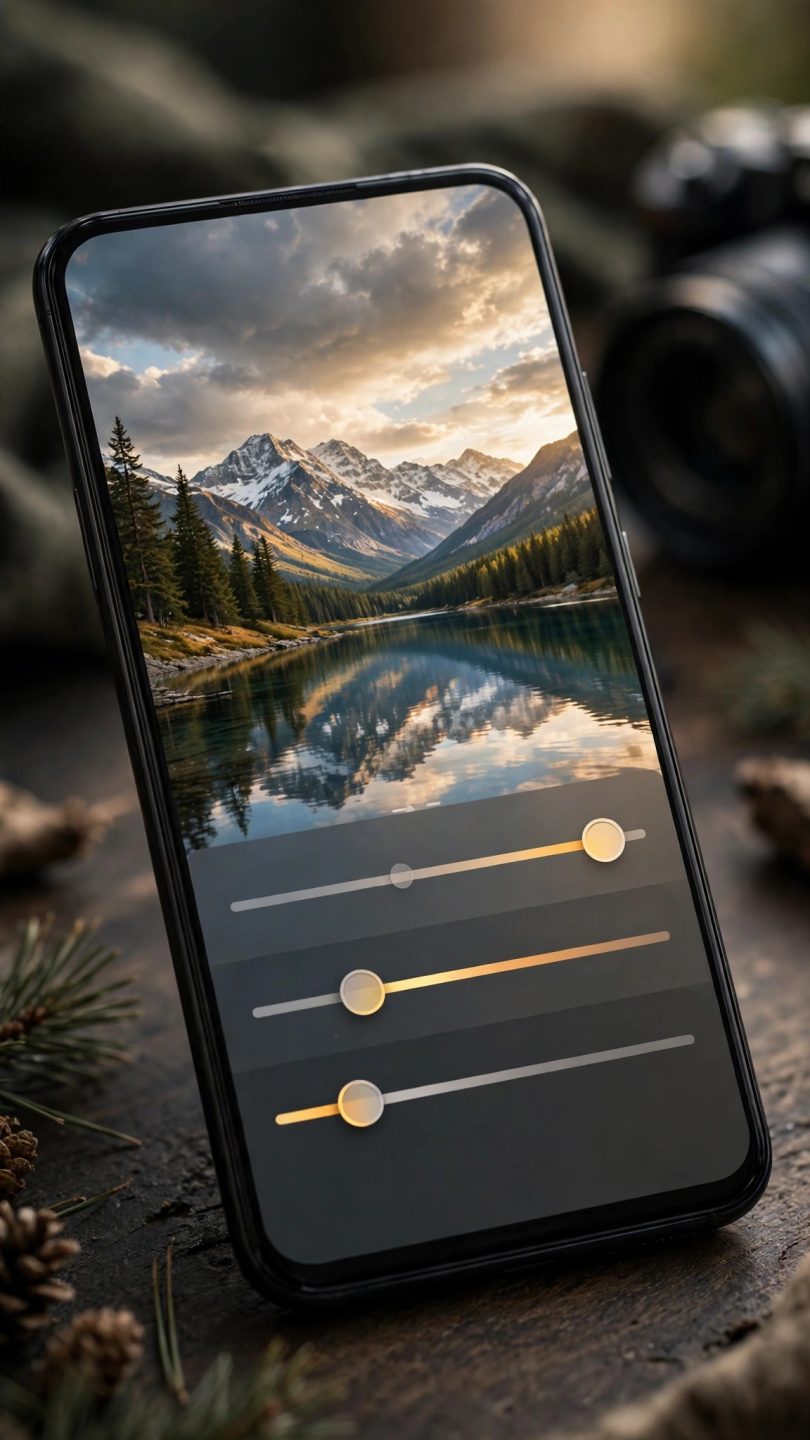

Your phone is the camera you always carry, and the best Android photo editing apps can turn ordinary snapshots into images worth sharing, printing, or even selling. The best Android photo editing apps cover everything from quick one-tap fixes to professional-grade tools with layers, masks, and RAW support, and many of them are free or surprisingly affordable. Whether you want brighter holiday photos, cleaner product shots for a small business, or a creative hobby that fits in your pocket, the right editor makes all the difference. This guide compares the strongest options and helps you choose the app that matches your skill level and your goals.
Quick Fix Apps: Great Results in Seconds
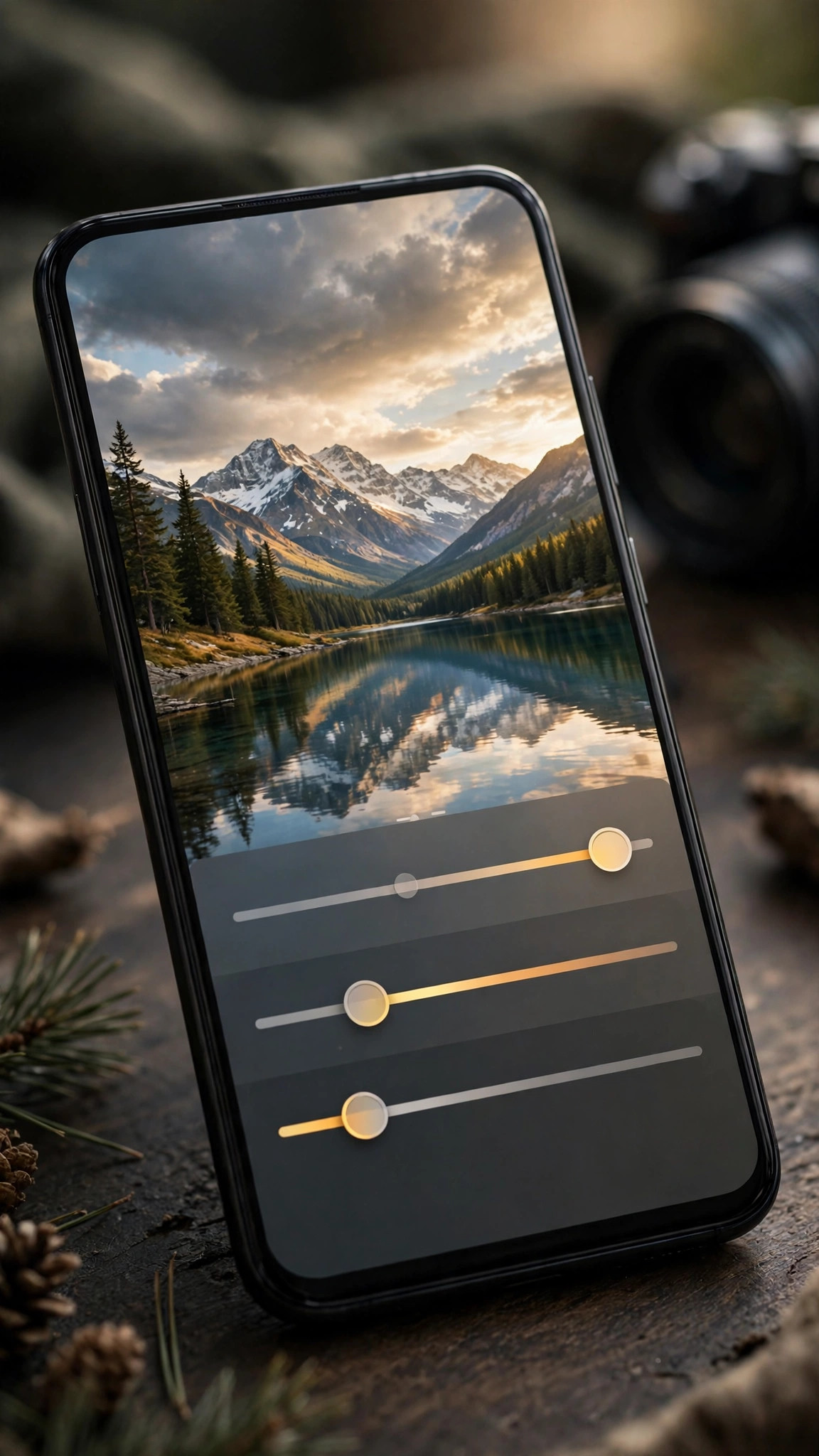
Most people want better photos without a learning curve, and quick-fix editors deliver exactly that. They offer automatic enhancement that balances exposure and colour with one tap, plus simple sliders for brightness, contrast, warmth, and saturation. Preset filters remain popular for a reason: a well-designed preset gives your photo a consistent look instantly, which is ideal for social media feeds where a coherent style matters more than pixel-perfect control.
The best quick-fix apps keep their interfaces clean and their exports high quality. Watch out for apps that watermark your photos unless you pay, or that shrink your images on export — a free app that ruins resolution is no bargain. Test an app with a challenging photo, such as a backlit portrait or a dim restaurant shot, before committing to it: the editors that handle difficult light well are the ones worth keeping. If you enjoy creative play on your phone generally, you may also like our roundup of free Android puzzle games, which proves that the best mobile experiences are often the simplest ones.
Advanced Editors: Layers, Masks, and RAW Power
For photographers who want full control, advanced editors bring desktop-style tools to Android. Layers let you combine exposures or add text and graphics non-destructively. Masks let you brighten a face without blowing out the sky. Curves and selective colour tools give precise control over tone, and RAW support means you can edit the full data your camera sensor captured instead of a compressed JPEG. These features matter most for printing, for client work, or for anyone who enjoys editing as a craft in itself.
Advanced apps do ask more of you and your device. Expect a learning curve, larger storage needs for RAW files, and a phone with a decent processor for smooth brush work. Start with one advanced app rather than five: learn its masking and layer system properly, and your editing speed will soon match the quick-fix apps while your results go far beyond them. Many professionals now edit entire shoots on a tablet, which shows how far Android editing has come.
Specialist Apps: Portraits, Food, and Design
Beyond general editors, specialist apps solve specific jobs brilliantly. Portrait apps offer skin retouching, background blur, and studio-style lighting effects that flatter faces without making them look plastic — the key is subtlety, so use retouching sliders sparingly. Food photography apps boost warmth and texture for appetising results. Design-oriented apps add typography, stickers, and collage layouts for posters, invitations, and social posts. If one type of photo dominates your camera roll, a specialist app may serve you better than any all-rounder.
Small business owners should pay particular attention here. Clean, consistent product photos raise trust and sales on every marketplace and social channel, and a phone plus a good editor is often all you need to produce them. A simple setup — daylight near a window, a plain background, and a few minutes of editing — beats expensive equipment used carelessly. Browse the APK Games category on this site for more app recommendations across every category, not just photography.
Free Versus Paid: What Is Actually Worth Paying For?
Most photo editors use a freemium model: core tools free, advanced features behind a subscription. Before paying, check what the free tier actually includes — many excellent editors give you everything you need without spending anything, reserving only niche tools or cloud storage for subscribers. A one-time purchase is usually better value than a subscription if you edit occasionally, while heavy daily users may find a subscription fair for an app they open every day.
Also consider your privacy. Photo apps necessarily access your images, so prefer editors from developers with clear privacy policies, and be wary of apps that upload every photo to their servers by default. An editor that works fully offline keeps your photos on your device, which is both faster and safer. And remember that the best editing habit costs nothing: back up your originals before editing, so you can always start again from the untouched photo.
Five Editing Habits That Improve Every Photo
- Straighten and crop first — a level horizon and tight framing fix half of all photos instantly.
- Fix exposure before colour — get brightness right, then adjust warmth and saturation gently.
- Use selective edits — brighten the subject, not the whole frame, for a professional look.
- Stop before it looks edited — if the effect is obvious, pull the slider back a little.
- Export at full resolution — never let an app shrink your final image unless you must.
Editing on a Tablet and Backing Up Your Work
If you enjoy editing, try it on a tablet with a stylus. The larger screen makes precise masking and brush work far easier, and most Android editors sync seamlessly between phone and tablet, so you can start an edit on one device and finish it on the other. Whichever device you use, build a simple backup habit: keep your original photos backed up to the cloud, and export finished edits at full resolution to a separate album. That way a lost phone or a failed app update never costs you your best work, and you can always revisit an edit later with fresh eyes and better skills.
Conclusion
The best Android photo editing apps prove that great photography no longer requires a computer or costly software. Pick a quick-fix app for everyday shots, an advanced editor when you want control, and a specialist tool for your favourite subject. Learn a few core habits, keep your originals safe, and your phone will produce photos you are genuinely proud to share — no expensive camera required.